Asset Model
What an Asset Model is used for
An Asset Model enables the reuse of setup when there are many work stations of the same type and behaviour — like a template for work stations in the structure.
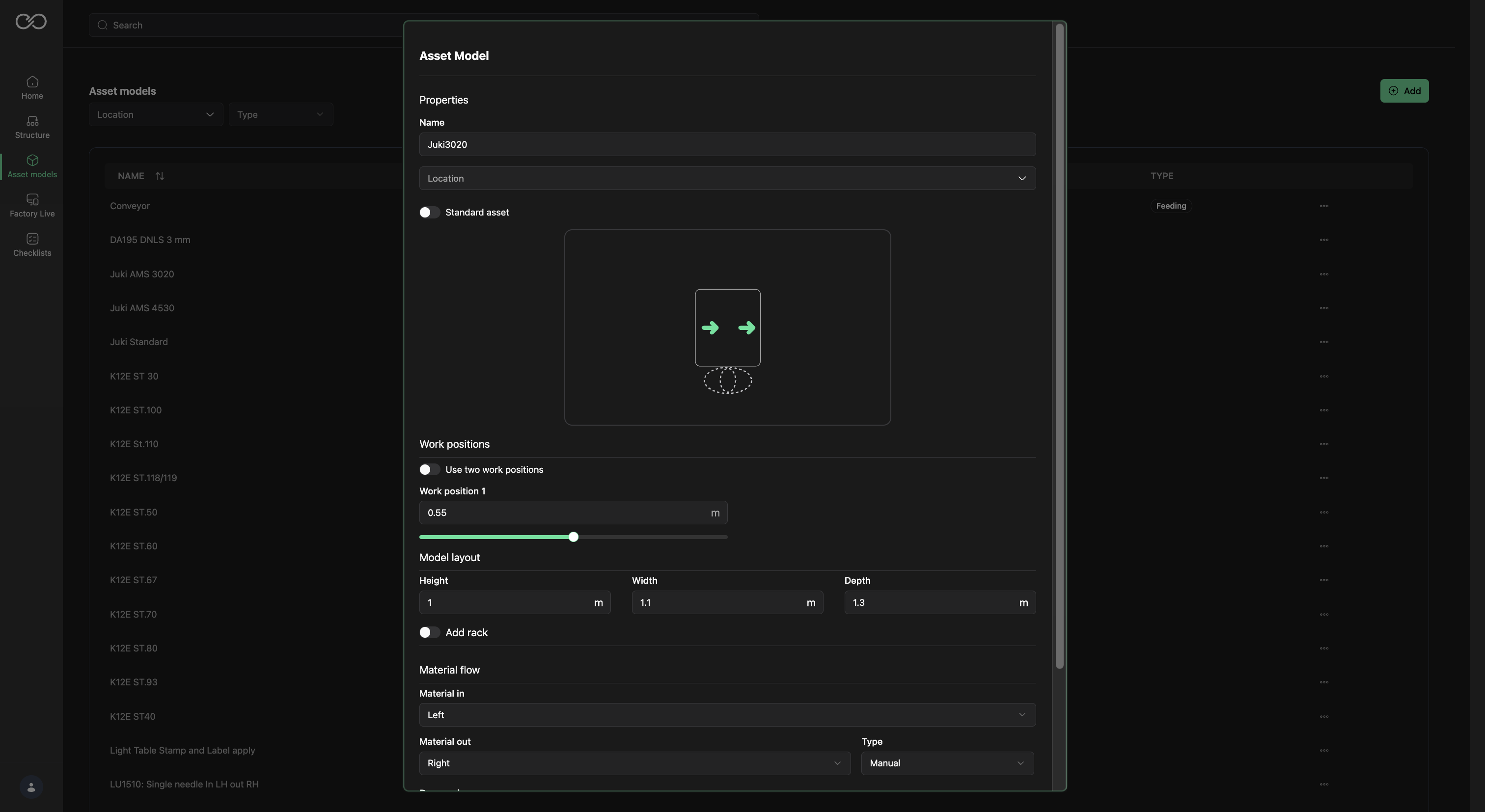
Set up an Asset Model
- Go to Asset Model.
- Select Add.
- Add the Asset model name.
- Set the location — which Product Line / Plant / Area / Line this model belongs to. Recommended on Plant or Area level.
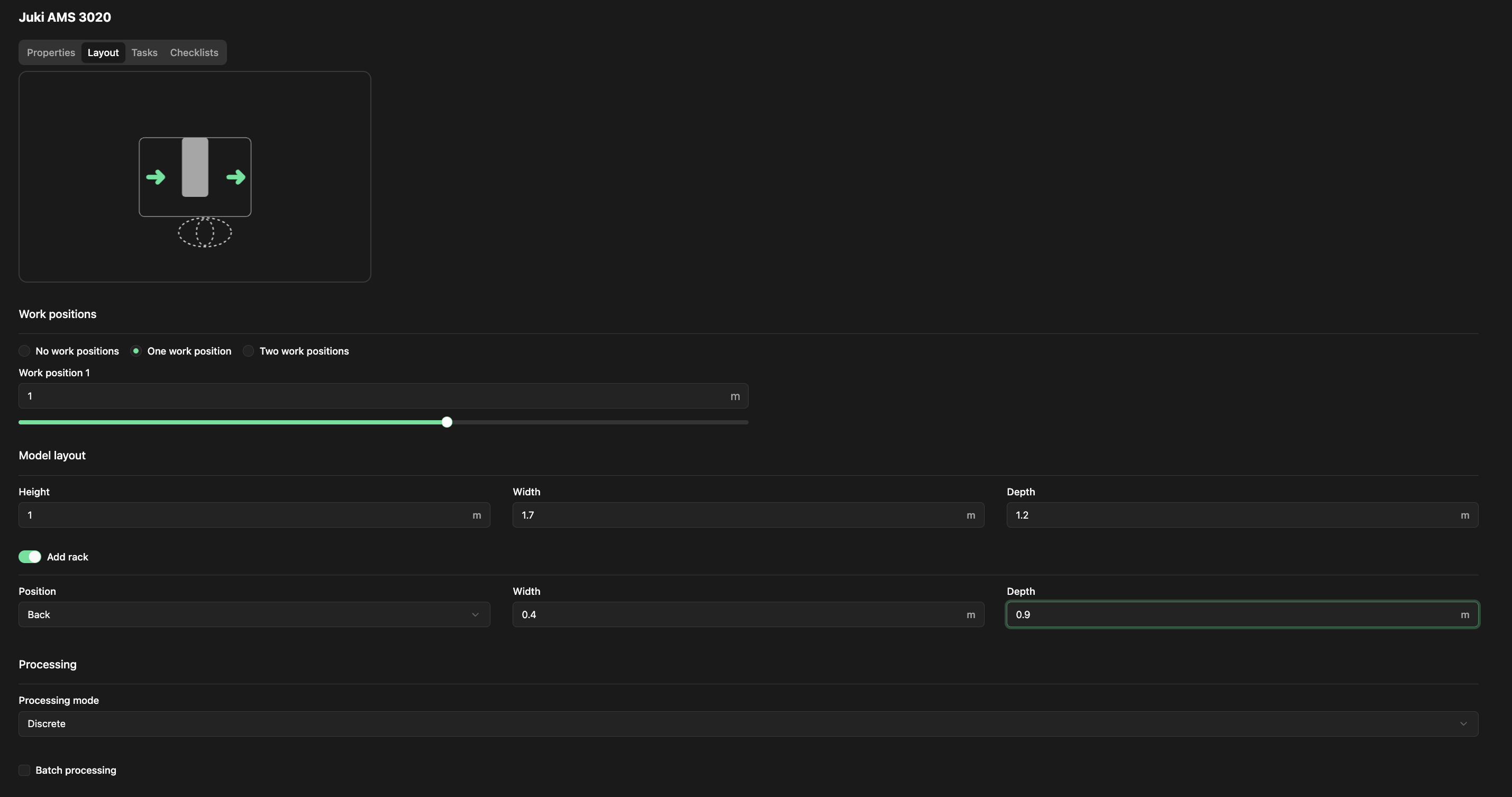
- Set the number of Work positions — 1 or 2.
- Set the location of the work positions.
- Set the dimensions of the workstation: Height, Width, Depth.
- If the rack is inside the workstation, select to set a workstation internal rack; if outside, see Chapter 8 — Feeding Asset.
- Set the location of the workstation internal rack.
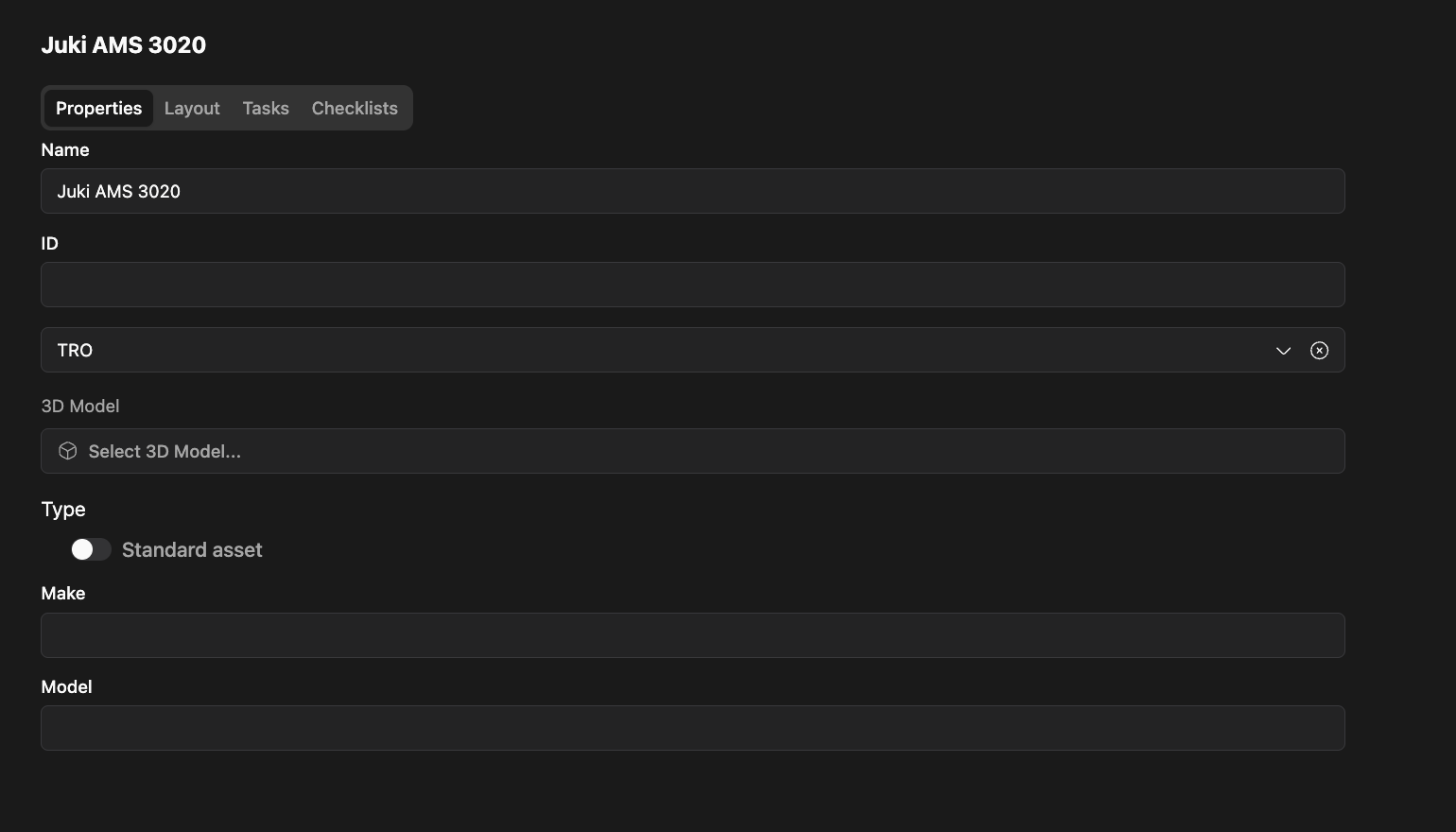
Add details
1.Add Make and Model if applicable.
2.Review dimensions.
Add a task on an Asset Model
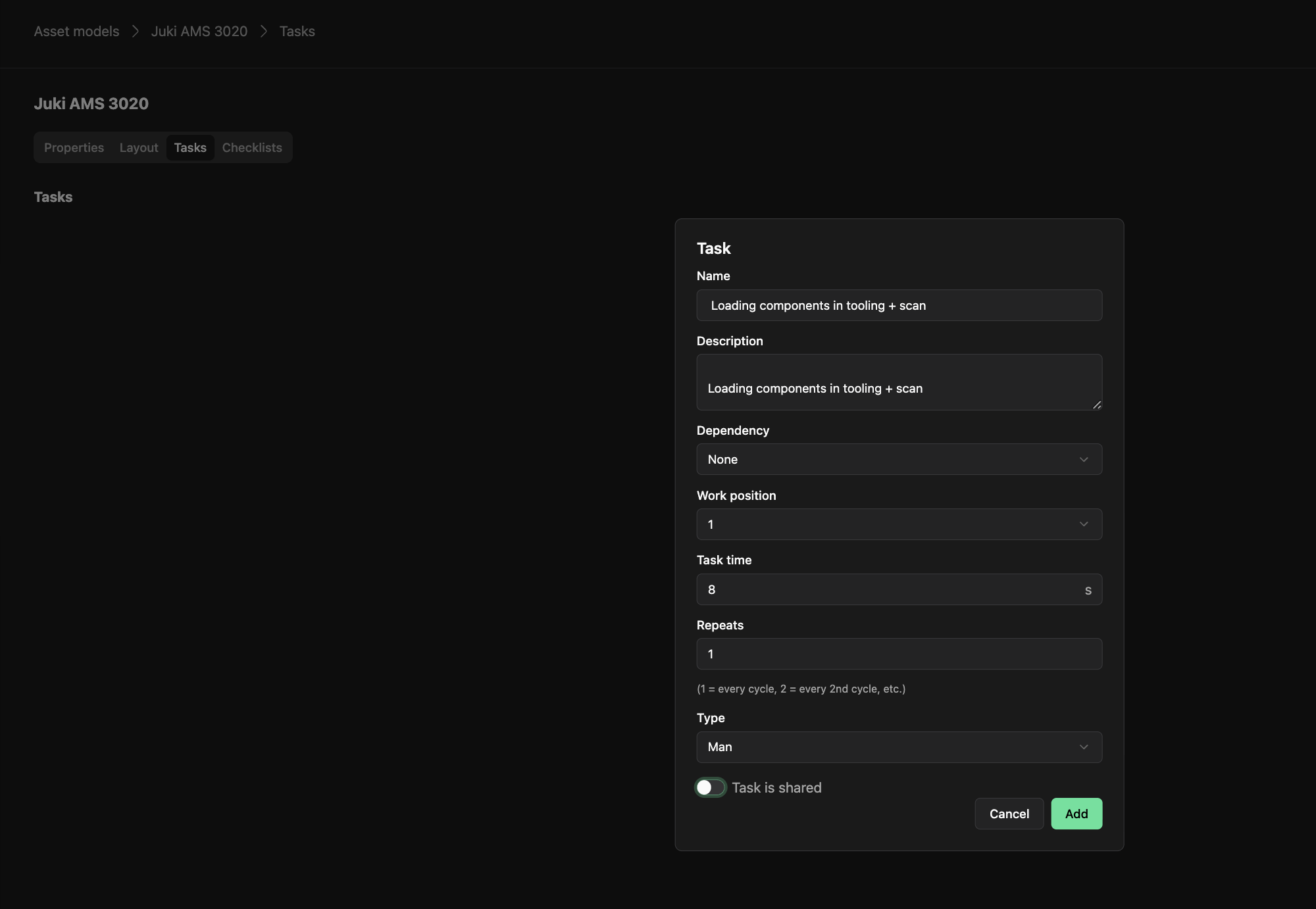
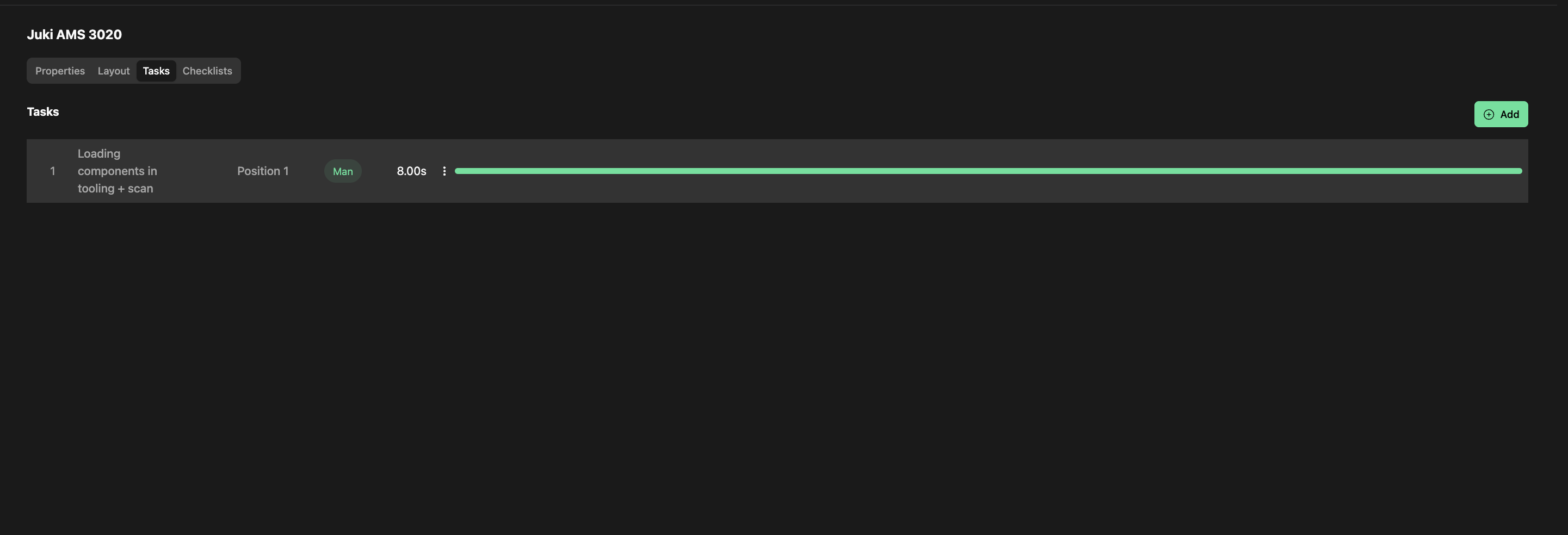
- Select the Task tab.
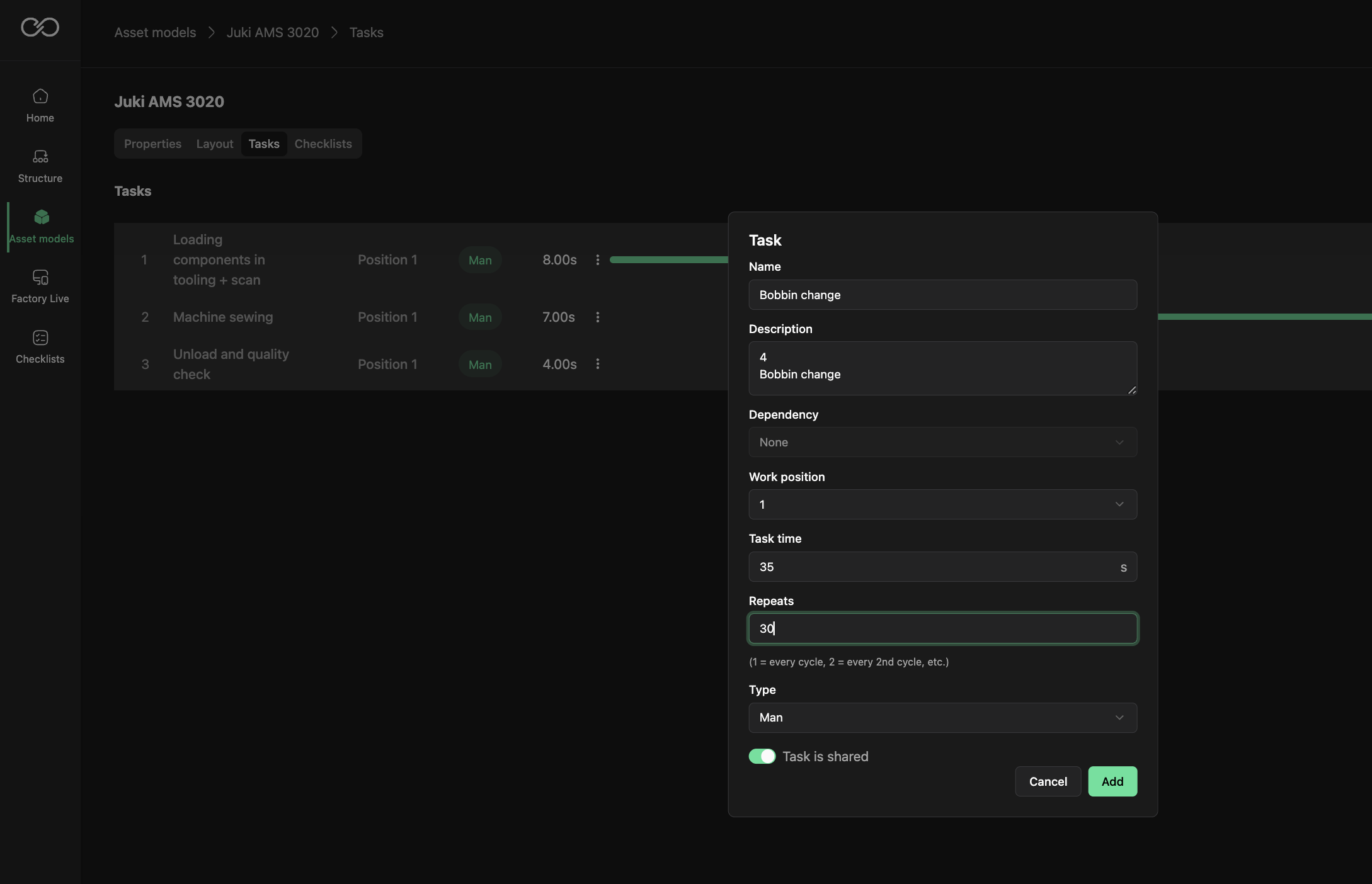
- Add the task name.
- Add a description if applicable.
- Set whether the task is dependent on a previous task on the asset model.
- Set the work position for this task.
- Set the task time.
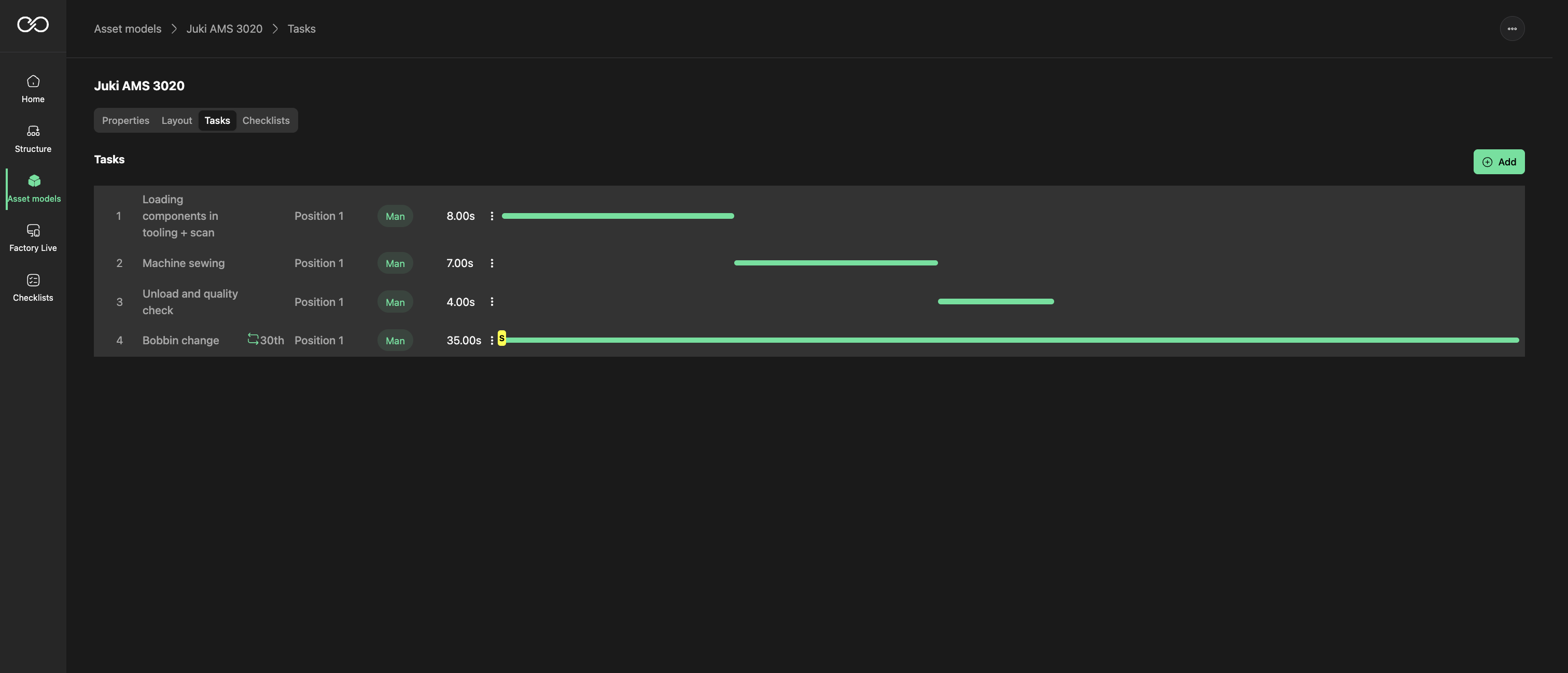
- Set how frequent the task is repeated (Repeats) — for example, bobbin change every 30th cycle.
- Set the type of task: Machine or Manual. Avoid setting Wait and Walk — these are calculated by the system.
Shareable tasks
You can also set whether a task can be shared by other operators. Another operator can come to the
workstation and do this task as long as no one else is on the work position.
Was this article helpful?
That’s Great!
Thank you for your feedback
Sorry! We couldn't be helpful
Thank you for your feedback
Feedback sent
We appreciate your effort and will try to fix the article